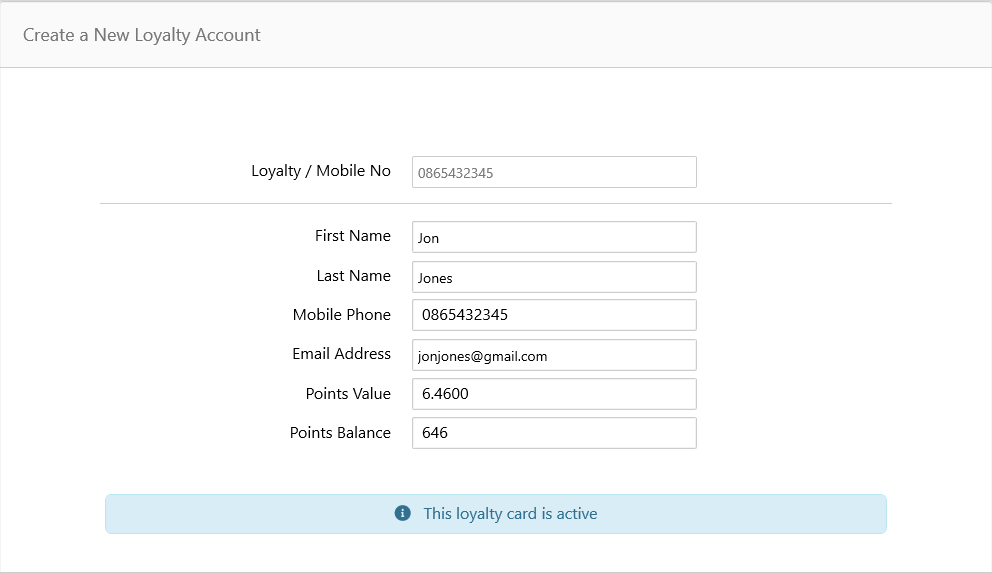
Check the Balance of a Loyalty Account
If you would prefer to watch a video on this topic, access it here on Vimeo using the password: xpos (case-sensitive)
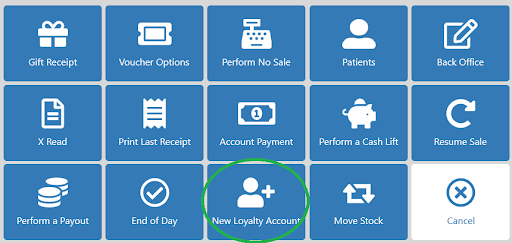
Once signed into the till, select the New Loyalty Account tile.
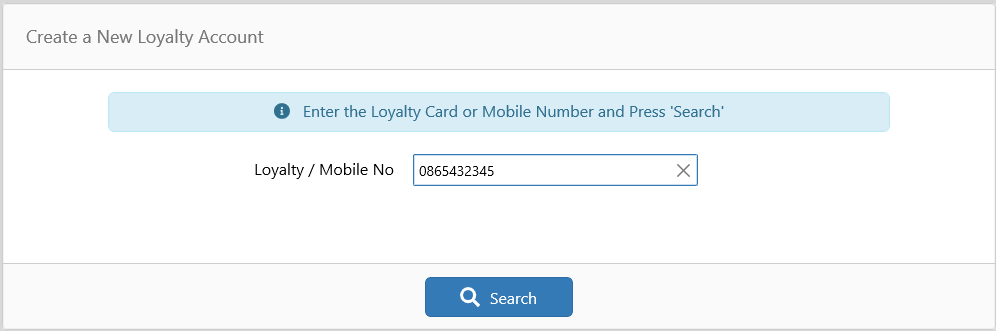
Scan the loyalty card or type the phone number linked to the account.
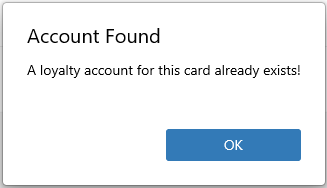
If the account is found, you will be shown a message like the one below. Press OK to view the account details and balance.
On the customer details screen below, you can update any details associated with the account.